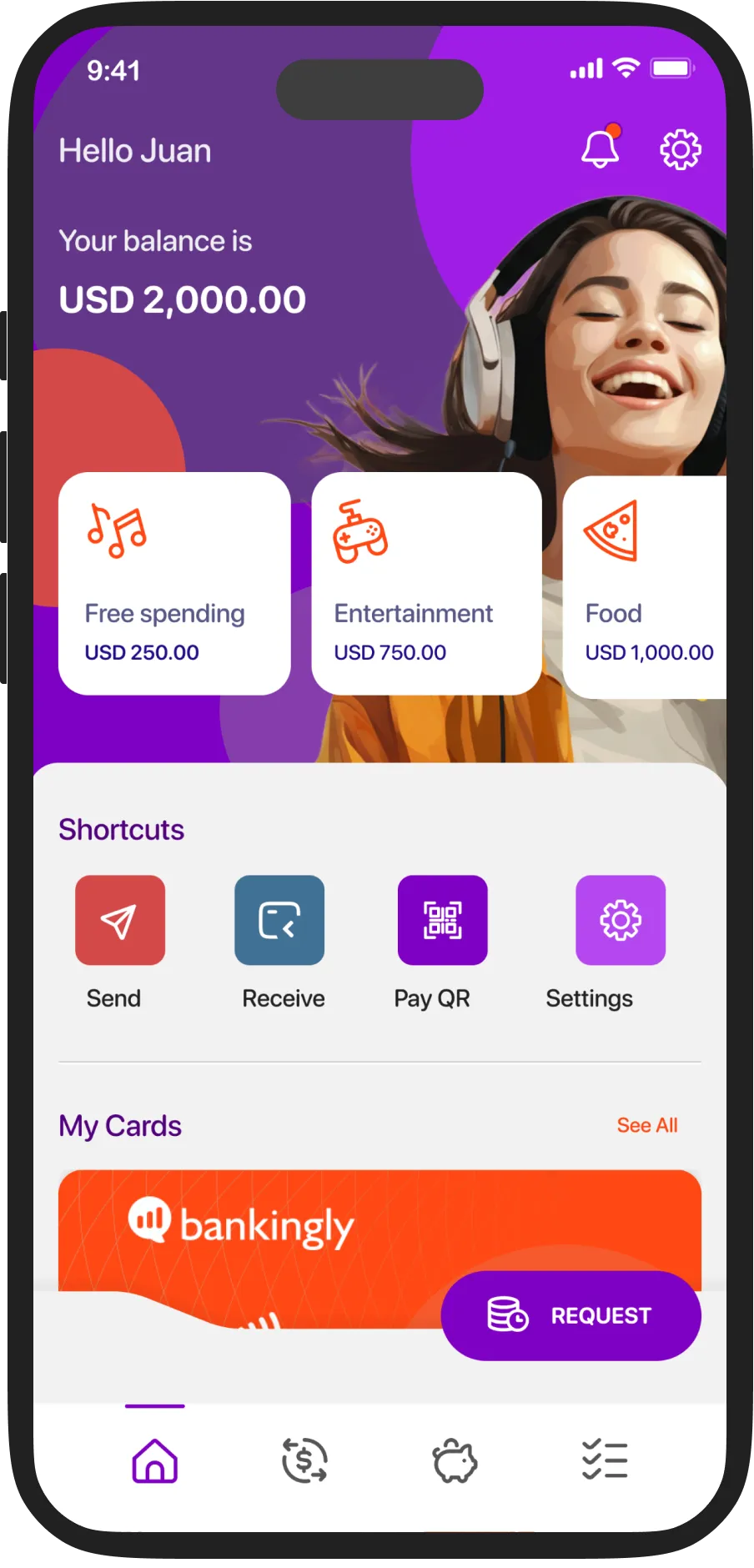


The solution
Total control, full visibility
Autonomy with purpose
Everything a digital family needs
Module integrated into Bankingly's Digital Channels
Banca Familia integrates natively into your institution's existing digital platform. Full implementation in less than 8 weeks.
ONBOARDING
Getting started is simple: 4 steps for parents, 3 for kids
1
Account creation
1
Personal data, phone and email verification.
2
Identity verification
2
Liveness-check selfie + photo of ID. Bank account created.
3
Initial deposit
3
Once your KYC is approved, all features will be unlocked.
4
Add child
4
A unique token is generated for the child to link their device.
1
Token received
1
Parents have access to their balance, cards, notifications, and transactions for the entire family all from one place.
2
QR Code
2
8-digit token compatible with QR and Deep Link. Expires after a single use.
3
Active account
3
The child is linked to the parent's account. All in seconds.
SUCCESS STORIES
The market has already validated it


Frequently asked questions
How does Family Banking help to acquire new customers?
Integrating parents and children into the same banking relationship. When a parent opens an account for their child, your institution gains two customers: the adult you already have, and the future customer you are shaping from childhood.
Can parents see everything their child is doing in the app?
Yes. Parents have full visibility: balance, transactions, spending categories, and savings for each child in real time. In addition, they receive a monthly summary via WhatsApp with all the financial activity of the month.
How do you link a child's account to a parent's account?
The parent generates a customized 8-digit token from their app. The child enters it on their device and is automatically linked. The process takes less than a minute, and the token expires after a single use.
Do the children have their own card?
Yes. Each child has a virtual card from the moment their account is created. You can also request a physical card, with shipment tracking and options to block or replace it from the app.
Can you limit what kids spend money on?
Yes. Parents set up spending categories (entertainment, food, clothing, etc.) with allocated balances per category. They can also block specific merchants and enable alerts for each transaction.
